Review capacity
Capacity and workload signals show who’s overloaded and who has bandwidth so you can balance the team.
The problem
Workload is invisible until someone burns out or a deadline slips. You’re left guessing who can take more and who needs support.
Mid-Manager surfaces capacity signals (leave backlog, WIP imbalance) so you can rebalance before it becomes a problem.
What you see
When capacity or workload is out of balance — e.g. too many open items for one person, or leave piling up — a card appears on Today. It points you to the right view so you can see who needs support or redistribution.
What to do
Open the card to see team or individual capacity. Adjust assignments, approve leave, or schedule a conversation. One place to keep workload visible and balanced.
Example
Jordan has a high volume of open items and leave requests pending. Today shows “Review capacity — Jordan.” You open the view, see the backlog, approve leave, and move one item to another teammate. You rebalance before Jordan hits the wall. Outcome: fair distribution and fewer burnout surprises.
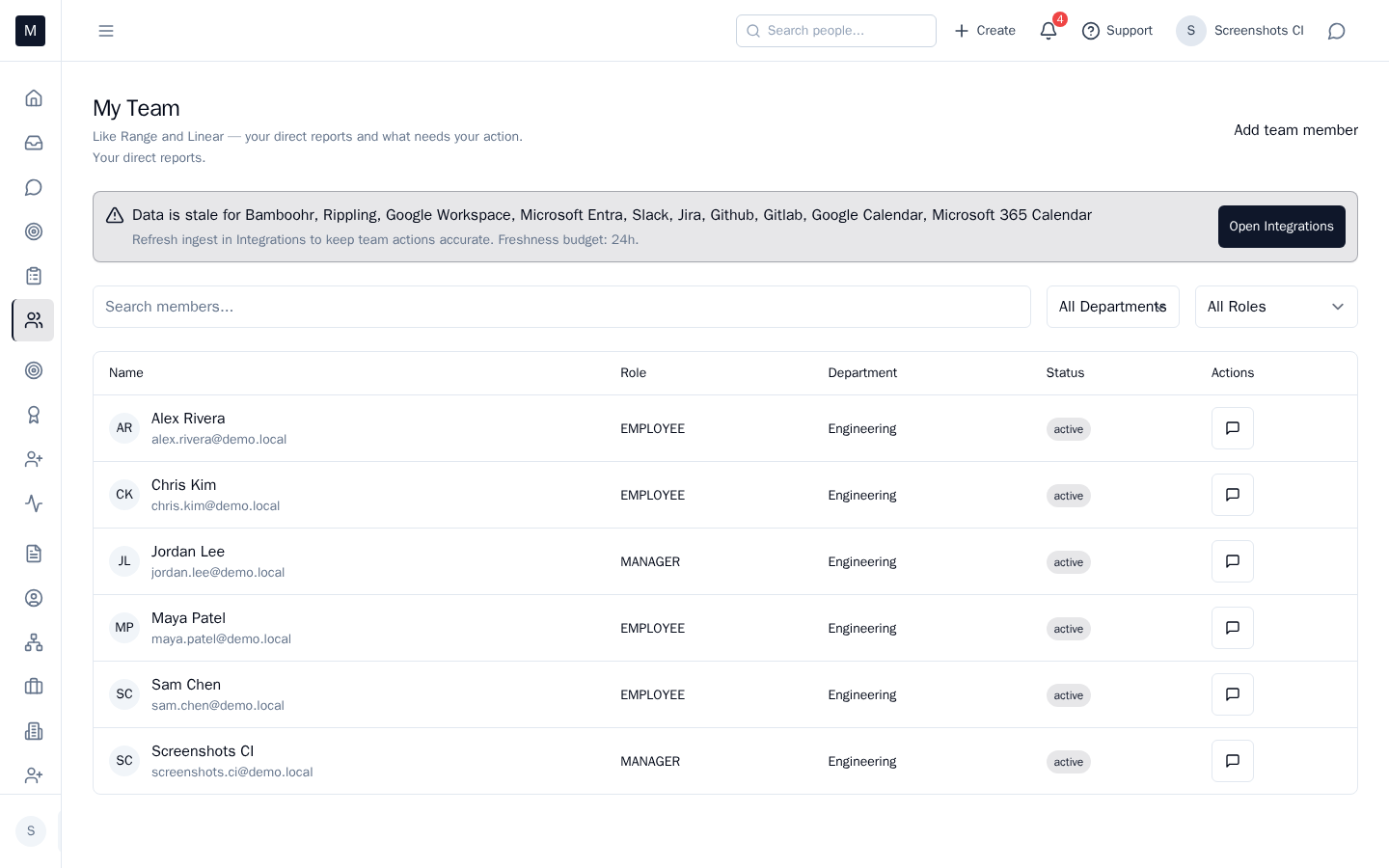
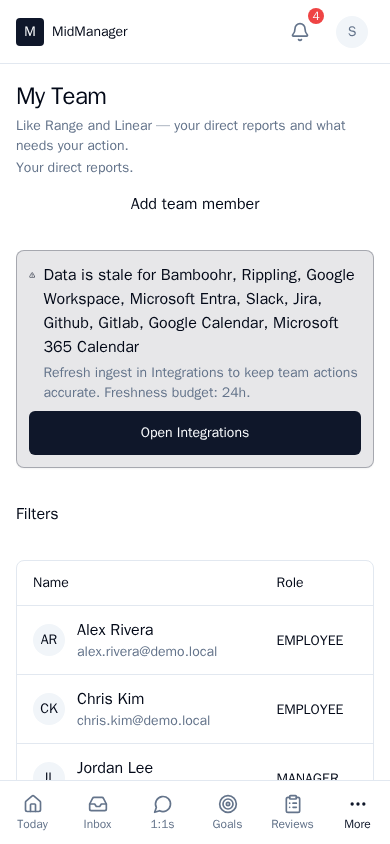
See it in action
Try the interactive demo, book a walkthrough, or request early access.